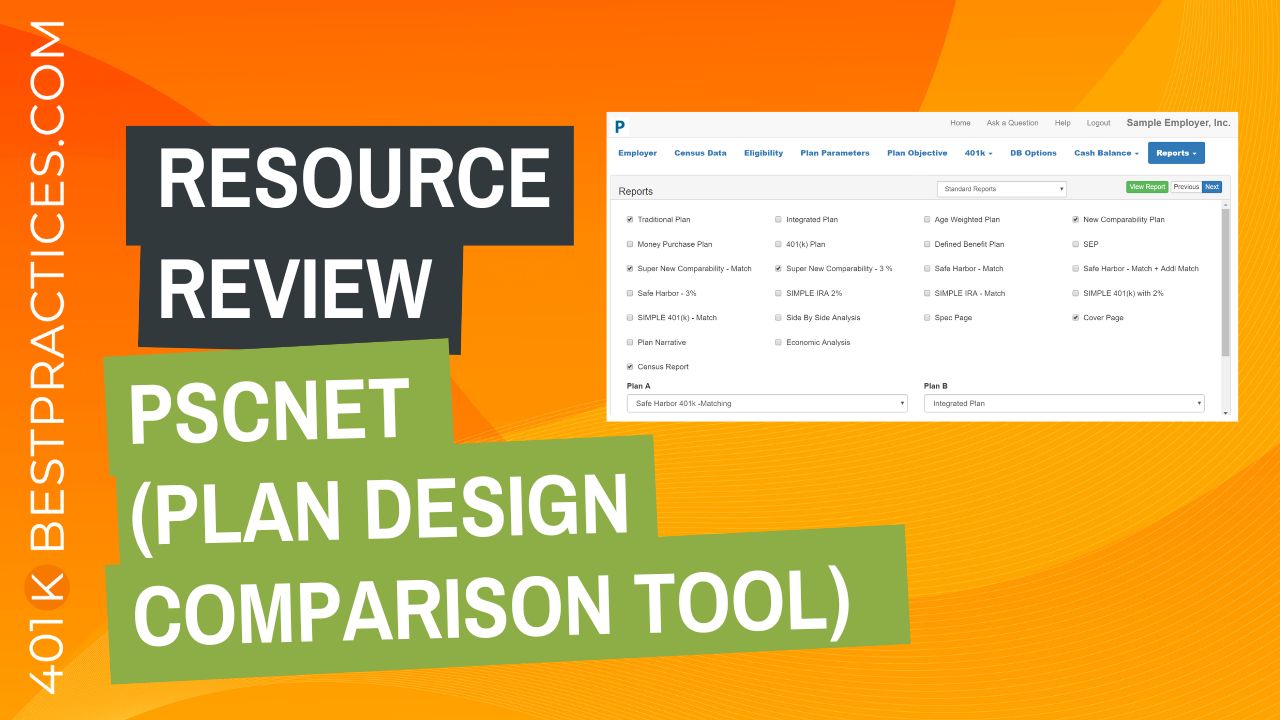
Resource Review – PscNet (A Plan Design Comparison Tool)
Looking for an easy-to-use retirement plan design and proposal solution?
I recently spoke with Marco Brown, creator of PscNet about a software program that allows advisors to create proposals comparing several types of qualified plans, (including Age Weighted, New Comparability, and Cash Balance Plans).
You can watch the video interview below and the text transcript follows.
NOTE: 2 Minutes, 22 Seconds starts the screencap walkthrough of the platform…
VIDEO TRANSCRIPT:
Sharon:Hey everyone, Sharon here, founder of 401kbestpractices.com, where I like to share proven strategies to help advisors grow a successful practice.
Today, I’m talking with Marco Brown, Owner, Founder, and Creator of PscNet, and he’s going to be answering some questions and sharing with us a plan design comparison tool for financial advisors.
So, Marco, welcome and thank you for taking the time to share this software that you’ve created with us.
Marco:Hey, Sharon. Thanks for having me it’s my pleasure.
Sharon:How about we start just by walking through a little bit, or maybe if you could explain what PscNet is.
Marco:PscNet is a plan design tool. It takes in a company census and creates a side by side comparison of different plan types.
For example, age-weighted versus new comp versus social security, integrated profit sharing, and straight up profit sharing along with combination plans that would include 401k. So, a safe Harbor combination plan or a 401k with a new comp and so forth.
Sharon:Sounds like something I wish was available when I was an active advisor because plan design is not an area of expertise for a lot of advisors. Who do you find is the main audience for your tool? Who would benefit most from using it?
Marco:We, have two main audience. The TPAs use our products as a – what I would say – a super user. I think most TPAs understand the concepts of profit sharing, new comp, and so forth.
And the users that we have been really trying to help is the advisors. So, we have tried and created a tool that’s pretty straightforward and simple for the advisors who don’t have experiences in the more complicated plan designs, or want to explain them to their clients.
Sharon:Makes sense. Is it possible to look at a sample report or do you want to start on the actual software side?
Marco:Let show you a quick sample report – walk you through it real quick.
So, here’s a look at a report that was created by a product. It’s a PDF and we could export this PDF, export the actual report to a spreadsheet if that’s easier. But I think a PDF gives you an idea of what we’re doing.
You can tell that we use graphs and charts to explain the advantages or disadvantage of certain plan designs. We give the comprehensive side-by-side comparison of the different plans separated in this case by HCEs and non-HCEs. We could also do it by owners and non-owners and so forth.
We give some narratives on describing the plan and its features, with some charts showing the disparity or the comparison of contributions to each group. And finally, we give a more detail account for each plan design and how the contribution breaks down between non-HCEs and HCEs in this case.
And we give you talking points for client interactions and why one plan is better than the other. And then more details. And one of the things we try to do is stay away from the pension jargon that some of our colleagues use that’s just simpler to explain to employers. And I’m just rushing through this so I can show you how comprehensive the report is.
We do a compliance analysis for new comp and so forth.
Okay. So we look at this as a tool, right? We call it a pre-compliance tool. So, you can actually examine if your compliance is going to be fine after the plan and before it gets to the record keeper, but it’s really a tool to show the employer which plan is going to best benefit their situation.
And sometimes it’s an education tool because they don’t realize the options that they have out there.
Sharon:Yeah, it looks extremely comprehensive. One of the questions that I have is, obviously a tool like this requires data to run the report. So how does an advisor typically get the data for that?
Marco:Absolutely. So again yeah, we need the census from the employer, but in our case what we’ve tried to do, knowing how tough it is to get a census is to get the smallest portion of the census. In other words, we don’t require social security number. We don’t require year to date income.
What we require is date of birth, date of hire and income, and obviously a name to identify for that employee. The more data that we have, the more comprehensive the report is going to be.
So, we’ve taken an account – family attribution. So is the is a participant related to an owner. We’re trying to determine who is the HCE and non-HCE.
So, we may need ownership information and so forth. We take that information into an Excel spreadsheet and then you can easily import it into our system and create these reports. But you can also, of course, input the data manually if you’d like.
Sharon:Good. It sounds pretty simple. Is it possible to walk through a demo of behind the scenes generating the report?
Marco:Absolutely. Let’s do a quick walk through here. Okay. So let me get to the main menu and here’s the main menu after logging in.
You can sign up on our website. Once you sign up on our website and log in, you are taken to this screen. And by the way, you do not need a credit card immediately to sign up.
The first time you sign up, there’s a 14-day trial and you can actually use those 14 days to create real reports and send them out to the client or just for your education and things like that.
We have little “get started quick start” to highlight the basics of getting data into the system and getting out a report.
Okay, let me walk you through that real quick. We’ll get back to the main menu. We’ll click on what I call the brain icon and we’ll create a plan.
Now you are at the main dashboard of the product showing the clients that are already in the system and giving you the ability to add new clients.
I’m going to add a new client. I’m going to add it. Save.
It takes a little while. The thing that we’ve learned through the years is that the more you defaulted what you need in terms of the data, the less changes and less information that you need, is the quicker you’re going to get these reports out. And that’s what we’re aiming to do with this product.
So, we’re going to import the census. Okay. The two main pieces of information that you need to create these reports is obviously the census. You also need some basic plan information. Let’s, start with the census real quick. We’ll import that. We give you the ability to import from an Excel spreadsheet, but you can also import from a CSV file.
And we also give you the ability to download a template. So, if you don’t have, let’s call it “empty import file” for your clients. You can send it, send them one of ours and you can easily download it from here. We really recommend you do that. So, the advantage of using one of our templates is it maps your data with our fields automatically.
So, once you import that, there’s really nothing to do, but hit start on the import.
Sharon:So far, pretty simple (easy to use).
Marco:And there… that is all you need to run your first report, because we can actually go right now to the reports menu and run a report.
And I’m going to back out of this for one second only because this is a system that’s been used and it’s beyond its 14 days. It’s now prompting me to pay for the report. And this would be the same thing in our pay-as-you-go model. So, you can actually pay as you go. Pay $50 bucks for each report that you run. Okay.
We hit review report and you’ll see something very similar to the sample report that we showed you earlier. And this is without any input, after importing the census. What the system does is it takes the default. It determines who the HCEs are, and it assumes that you want to maximize those HCEs and minimize the contribution to the rank and file. And it creates this report for you. Okay. This is just one sample.
Sharon:What if the goals were backwards? What if they wanted to maximize rank and file and didn’t care as much about the HCEs? Is there a way to identify what the goals are or is that based on the type of report that you run?
Marco:It is certainly based on the goals that you select on the plan objectives screen, you could easily determine what your goals are.
So, your goals could be budget goals. You could say, I want to do 10% of the payroll, or you want a budget solution. You want to select a group or an individual employee not in the highly compensated group and create a report that will benefit those participants and then rerun the report.
Sharon:Okay, great. Thank you.
Marco:But in most cases that we see the goal is probably to take advantage of the new comp using age and ownership. And I can show you that report, if you want to see that again. It’ll look a little different in terms of how the money is distributed. You’ll notice that the file there, it is a little bit more in this case, in a new comp. We’re actually allowed to give the Polycom group zero and give the non-highly comp group as much as they can take.
Sharon:This looks like an amazing tool especially for identifying and comparing the various types of plans out there. And which one’s going to make the most sense based on what the company’s looking for.
Yeah, when I first saw this Marco, I thought, I wish there was something like this when I was an advisor. I appreciate you taking the time to share this today with other advisors. And if somebody wants to learn more, wants to sign up, how do they get ahold of you?
Marco:You can go to our website, which is pensiononline.com and either contact us via the 800 number, via email [email protected]. Will get to us, or you can actually sign up for a trial and try out the product. It’s a live product. So, any reports you run are presentable and fully ready to be shipped to clients or examined. After that there’s some different payment options. Pay as you go that we demonstrate, which is $50 per report. That’s an intro price. And we have other pricing for longer subscriptions and more users and features.
Sharon:Wonderful. Is there anything that I didn’t ask or that you think advisors should know about before we wrap up the demo?
Marco:I think that was a pretty good, it pretty much covers the basics. Of course, if you need more information or if you have a question, please reach out.
Sharon:Thank you so much, Marco. I really appreciate it.
Marco:Thanks for the opportunity, Sharon. I appreciate your time and giving us the forum.
—————- end of transcript ——————
Mentioned in this episode:
Listen to the Podcast episode of this topic here.Or watch the video on YouTube here.